Sending an Event
You can send various Events related to the Contact's actions such as Login, Newsletter Subscription, Add to cart or Navigation.
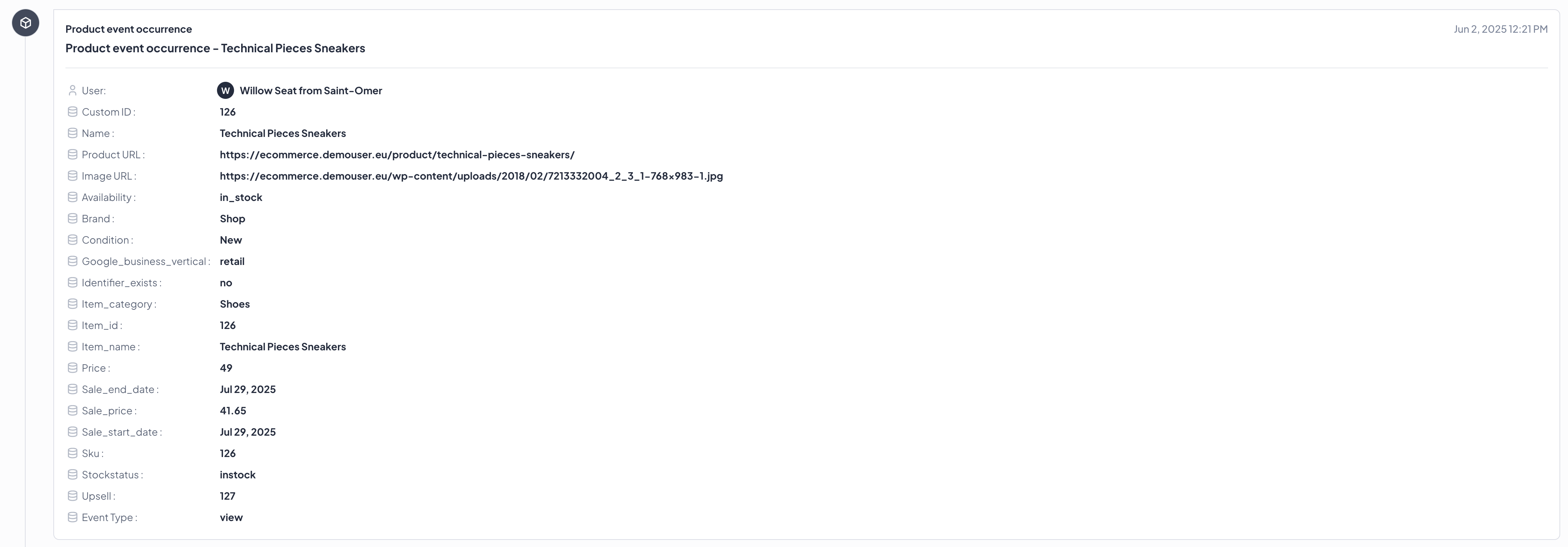
SDK will automatically add your Contact identifier and datetime information to each Event. In User.com Panel, Events will appear as a separate timeline entry (based on class or annotation name).
You don't have to worry about offline mode - Events will be stored in local DB and sent when network will be available.
Event types
SDK exposes methods to send three types of Events.
Event
Those are standard User.com Events created by you and will contain any information you provide as Attributes eg. consent value or form field value. Read more

Screen Event
Used to collect data about Contacts' navigation inside app. It sends name of a route to User.com database or a custom screen name that you specified. Read more

Product Event
This type of Events have predefined structure. Used to collect data about Product related conversion/action. You can also pass custom information inside Attribute eg. quantity,price or color. Read more